
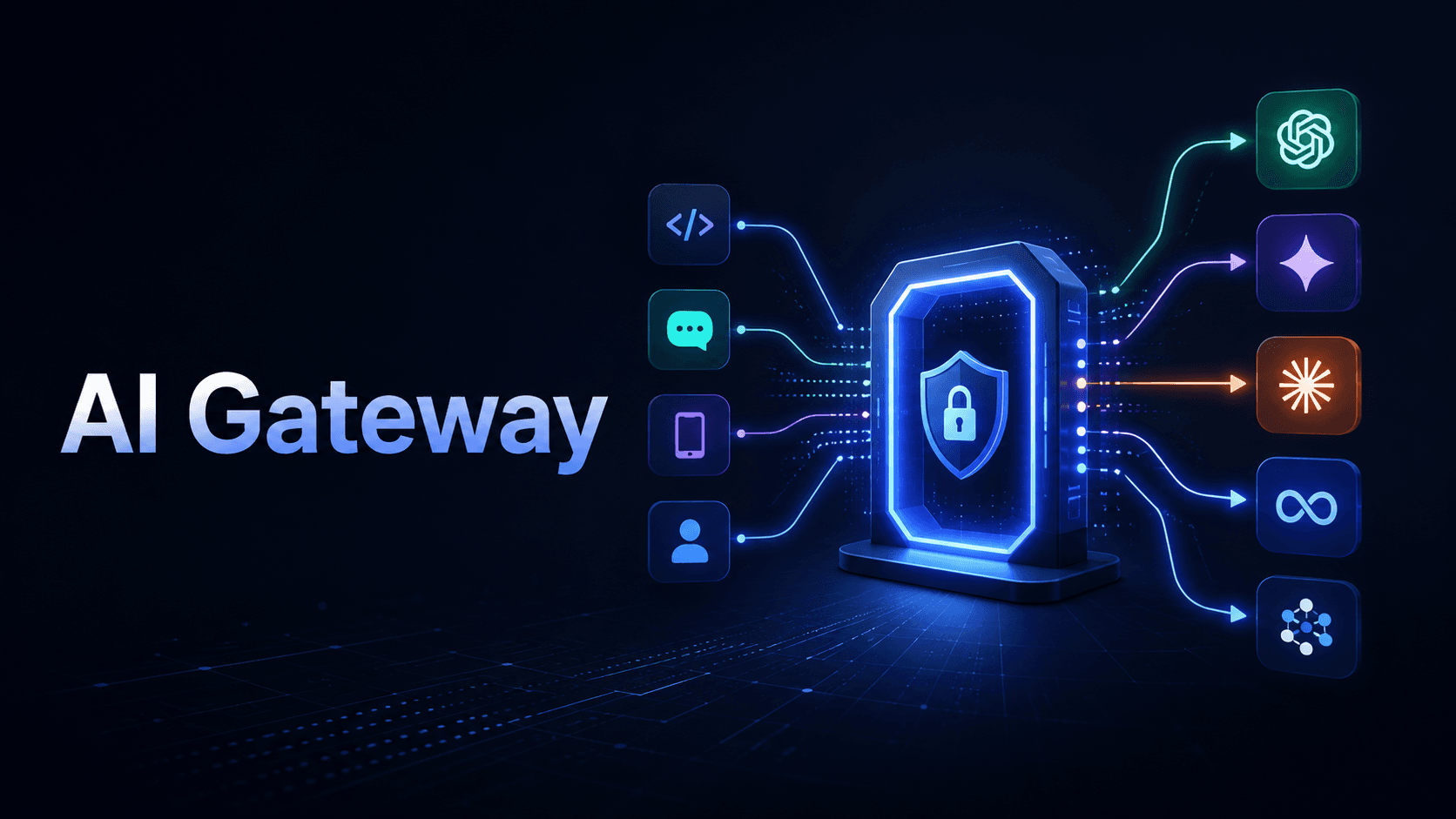
What is an AI Gateway? How It Makes LLM Apps Production-Ready
As AI models push further into business applications, developers face challenges in combining multiple large language model providers in a seamless, production-ready setup. Discover how AI gateways can transform this complexity into a simplified, manageable process.
Building a prototype with a single LLM provider is straightforward. You grab an API key, make a few calls to GPT or Claude, and things work. But moving that application into production, where you need reliability, cost visibility, fallback handling, and the flexibility to switch or combine providers, is a different challenge entirely. This is where an AI gateway comes in. It's the infrastructure layer that sits between your application and the LLM providers you use, abstracting away the complexity of managing multiple models so you can focus on building. This explains what an AI gateway is, why developers need one, and what core features actually matter when evaluating your options.
The Gap Between Prototype and Production
Most AI applications start the same way: pick a model, call its API, ship something. That works until it doesn't.
In production, you quickly run into a set of compounding problems:
- Provider outages: If your app is hardcoded to a single provider and that provider goes down, your entire application fails.
- Cost spikes. Without token-level visibility across requests, costs can escalate faster than expected, especially with high-volume workloads.
- Rate limits. Individual provider rate limits can throttle your application at the worst possible time.
- Provider lock-in. Each LLM provider, OpenAI, Anthropic, Google, and others, has a different API format, authentication method, and SDK. Switching models means rewriting integration code.
- Observability gaps. Understanding which models are performing well, which requests are failing, and where latency is coming from requires instrumentation that doesn't come out of the box.
- Compliance and governance. In enterprise environments, you need controls over which teams can use which models, with what permissions, and within what budget constraints.
These aren't edge cases. They're the standard reality of running AI applications at scale. An AI gateway is designed to address all of them in a single, centralized layer.
What Is an AI Gateway?

An AI gateway, sometimes called an LLM gateway, is a middleware layer that sits between your application and one or more LLM providers. It exposes a single, unified API that your application calls, while handling provider-specific authentication, routing, failover, caching, and observability behind the scenes.
Think of it as an API gateway, but purpose-built for the specific demands of LLM traffic. Where a traditional API gateway routes requests to different service endpoints, an AI gateway routes requests to different LLM setups, different providers, different models, and different configurations, based on rules you define.
At its core, an AI gateway does four things:
- Provides a unified interface so your application code doesn't need to change when you switch or add providers.
- Handles routing and fallback so traffic goes to the right model under the right conditions.
- Adds operational controls like rate limiting, caching, cost tracking, and access governance.
- Surfaces observability data so you can monitor performance, usage, and errors across all your models from one place.
How an AI Gateway Differs from a Traditional API Gateway
This distinction matters because teams sometimes assume an existing API gateway is sufficient.
Traditional API gateways are built for general HTTP traffic. They handle authentication, load balancing across service instances, and basic traffic shaping. They're not designed for the specific characteristics of LLM calls: token-based billing, streaming responses, semantic similarity-based routing, prompt management, or model-specific fallback logic.
An AI gateway understands the LLM context. It can route based on the content or complexity of a request, cache responses based on semantic similarity rather than exact string matching, apply prompt-level transformations, enforce token budgets per team or application, and handle provider-specific quirks transparently. These capabilities require domain-specific logic that a generic API gateway wasn't built to provide.
Who Needs an AI Gateway?
Not every AI application needs a gateway immediately. If you're building a small internal tool with a single model and low traffic, the operational overhead of a gateway may not be justified yet.
But if any of the following describe your situation, an AI gateway is worth serious evaluation:
- You're using or planning to use more than one LLM provider.
- Your application has uptime requirements that a single provider dependency can't guarantee.
- You need visibility into LLM costs at a per-request or per-team level.
- Multiple teams in your organization are building on top of AI models.
- You're scaling from prototype to production and running into reliability or performance issues.
- You need to apply consistent policies, content filtering, rate limits, and access controls across your AI infrastructure.
Core Features of an AI Gateway
Unified API Access
The most immediate benefit of an AI gateway is a single API interface for all your LLM providers. Instead of maintaining separate integration code for OpenAI, Anthropic, Google Gemini, and others, you make one type of call, and the gateway handles the translation.
This means switching from GPT to Claude, or adding Gemini as an option, can require changing a single parameter rather than rewriting your integration layer. For teams evaluating multiple models or experimenting with new providers, this dramatically reduces friction.
Intelligent Routing
Not all requests should go to the same model. An AI gateway lets you define routing logic based on factors like:
- Cost: Route lower-stakes requests to smaller, cheaper models and complex tasks to more capable, but more expensive, ones.
- Latency requirements: Send time-sensitive requests to the fastest available model.
- Load balancing: Distribute traffic across multiple providers or model instances to avoid rate limits and improve throughput.
- Model capability: Route specialized requests to models best suited for specific tasks.
This kind of intelligent routing is one of the most practically valuable features for teams running diverse workloads.
Fallback Handling
When a primary provider is unavailable or returns an error, a well-configured AI gateway automatically retries with a fallback model or provider. This happens transparently, without your application code needing to handle the logic.For production systems where uptime matters, this is essential. A single provider dependency is a single point of failure. Fallback handling turns that fragility into resilience.
Caching
Many LLM applications send repeated or semantically similar queries. Without caching, each of these queries incurs the full latency and cost of a live API call.AI gateways can implement semantic caching, storing responses not just for exact query matches, but for queries that are close enough in meaning to return the same cached result. This can meaningfully reduce both latency and API costs in production workloads.
Rate Limiting and Quota Management
At the application level, you can enforce rate limits to prevent runaway usage or protect against accidental cost spikes. At the team or user level, you can assign quotas so different groups operate within defined token or cost budgets.This matters especially in enterprise environments where multiple teams are sharing AI infrastructure. Centralized quota management prevents one team's workload from affecting everyone else.
Observability and Monitoring
Understanding what's happening across your LLM calls requires data: which models are being used, what latency looks like per provider, where errors are occurring, how many tokens are being consumed per request, and how costs are trending over time.An AI gateway centralizes this data collection. Rather than instrumenting each provider integration separately, you get a unified view of your entire AI infrastructure from one place. Many gateways support integration with tools like Prometheus for metrics or provide built-in dashboards.
Prompt Management
Some AI gateways provide centralized prompt management, allowing teams to store, version, and reuse prompt templates rather than scattering them across application code. This supports better governance and makes it easier to test prompt changes across models systematically.
Guardrails
For applications where output safety and content quality matter, AI gateways can apply guardrails at the request or response level, filtering inputs, validating outputs, or enforcing content policies before responses reach the end user.
Access Control and Governance
In multi-team or enterprise deployments, controlling which teams can access which models, under what conditions, and with what API credentials is important for both security and cost governance. An AI gateway provides a centralized place to manage these policies without distributing credentials across every application.
What Developers Should Track in an AI Gateway

An AI gateway should give developers clear visibility into how every model performs in production.
Important metrics include:
Token usage per request
- Cost per model
- Latency by provider
- Error rate
- Failed requests
- Retry attempts
- Fallback usage
- User or team-level usage
- Most expensive prompts
- Model response time
These metrics help developers know when a model is too slow, too expensive, or unreliable for a specific workload.
Real-World Examples of AI Gateway Use
An AI gateway becomes useful when an AI app starts handling different users, models, costs, and failure points. For example, a customer support chatbot can send simple questions to a cheaper model and route complex complaints to a stronger model. If the main provider fails, the gateway can send the request to a backup model without breaking the user experience. A document analysis tool can use one model for fast summaries and another model for legal, technical, or financial review. This helps the team balance speed, accuracy, and cost. SaaS platform can also track token usage per customer, team, or feature. This makes it easier to know which users are driving AI costs and where optimization is needed.
Performance Considerations
One valid concern about adding a gateway layer is latency overhead. Any middleware introduces some additional round-trip time, so it's worth evaluating performance characteristics when selecting a gateway.
Different gateway implementations make different trade-offs. Some open-source options, like Bifrost, are specifically built for low-latency, high-throughput scenarios and publish performance benchmarks against other tools. The right choice depends on your specific workload requirements and whether the operational benefits outweigh the overhead in your context.
When evaluating options, look at throughput under load, mean latency overhead, and how the gateway performs as concurrent request volume increases.
MCP Gateway Integration
An emerging area in AI gateway functionality is support for the Model Context Protocol (MCP). MCP is an open standard for connecting AI models to external tools, data sources, and APIs in a consistent way.
Some gateways are beginning to incorporate MCP gateway capabilities, allowing them to manage not just model routing but also the tool and context integrations that agentic AI applications depend on. This is an early but growing area of development, with tools like Bifrost and TrueFoundry already offering MCP gateway features alongside their LLM routing capabilities.
For teams building agentic systems, this convergence of LLM Gateway and MCP gateway functionality into a single infrastructure layer is worth paying attention to.
Self-Hosted vs. Managed Options
AI gateways are available in two broad deployment models, each with different trade-offs.
Self-hosted / open-source options give you full control over your infrastructure, data residency, and customization. Tools like LiteLLM and Bifrost fall into this category. They require more operational investment to deploy and maintain, but they're popular in environments where data privacy or infrastructure control is a priority.
Managed options reduce operational overhead by hosting the gateway for you. Examples include Vercel AI Gateway and various enterprise-focused platforms. These are faster to get started with and typically come with built-in dashboards and support, but involve routing your LLM traffic through a third-party service.
The right choice depends on your team's operational capacity, data governance requirements, and how much infrastructure complexity you want to own.
For developers who want to evaluate multi-model access without immediately committing to a specific gateway infrastructure, platforms like Tokenware AI provide a unified API endpoint for multiple LLM providers, a practical starting point for understanding what consolidated model access looks like before adding a full gateway layer.
Where Tokenware Fits in the AI Gateway Conversation
Tokenware fits into the AI gateway conversation because, it helps developers work with multiple AI models through a more unified API layer.
For teams building AI products, this matters. A product may start with one LLM, then later need a cheaper model for simple tasks, a stronger model for reasoning, a faster model for chat, or another provider for fallback.
Tokenware gives developers a way to explore models, compare options, and access different AI capabilities without treating every provider as a separate integration project.
This makes Tokenware useful for teams that want to:
- Test different AI models
- Reduce provider setup work
- Compare model cost and performance
- Build with OpenAI-compatible API access
- Plan model routing and fallback
- Move from prototype to production with less friction
Tokenware does not need to replace every gateway setup. It gives teams a practical starting point for unified model access and multi-model AI development.
Conclusion
An AI gateway is the infrastructure layer that makes LLM applications production-ready. It solves the core operational challenges of working with multiple AI model providers: provider lock-in, fallback handling, cost visibility, rate limiting, caching, and observability.
The jump from prototype to production is where most AI applications encounter real difficulty. An AI gateway doesn't make that jump automatic, but it removes a significant category of infrastructure problems so your team can focus on the parts of your application that actually differentiate it.
As LLM providers multiply and agentic AI architectures grow more complex, the AI gateway layer is becoming a standard part of the production AI stack, not a nice-to-have, but a foundational component of how serious applications are built.
Frequently Asked Questions
- Is an AI gateway only useful for large companies?
No. Small teams may also need an AI gateway if they use multiple models, want fallback options, or need better cost tracking.
- Does an AI gateway replace direct model APIs?
Not always. It sits between your app and model providers. Your app calls the gateway, and the gateway handles provider routing, logging, fallback, and monitoring.
- Can an AI gateway reduce LLM costs?
Yes. It can route simple tasks to cheaper models, cache repeated requests, track token usage, and help teams avoid using premium models for every request.
- Does an AI gateway add latency?
Yes, it can add a small amount of latency because requests pass through an extra layer. The tradeoff is better routing, fallback, logging, and control.
- What is the difference between model routing and fallback?
Model routing chooses the best model for a request based on rules like cost, speed, or task type. Fallback sends the request to another model when the first one fails.
- Why do developers need observability for LLM apps?
Developers need observability to know which models are slow, expensive, unreliable, or producing errors. Without it, production AI apps become difficult to debug.
- Can an AI gateway support streaming responses?
Some AI gateways support streaming, but not all do. Developers building chat apps or copilots should confirm streaming support before choosing one.
- How does Tokenware relate to AI gateways?
Tokenware supports unified model access and helps developers compare and use different AI models from one platform layer. This makes it useful for teams exploring multi-model AI development.
- Should startups use a managed or self-hosted AI gateway?
Startups usually benefit from managed options because they are faster to set up. Self-hosted options make more sense when the team needs full control, private deployment, or strict compliance.
- What is the biggest mistake teams make with AI gateways?
The biggest mistake is adding a gateway without clear goals. Teams should know whether they need cost control, fallback, routing, observability, governance, or all of them.