
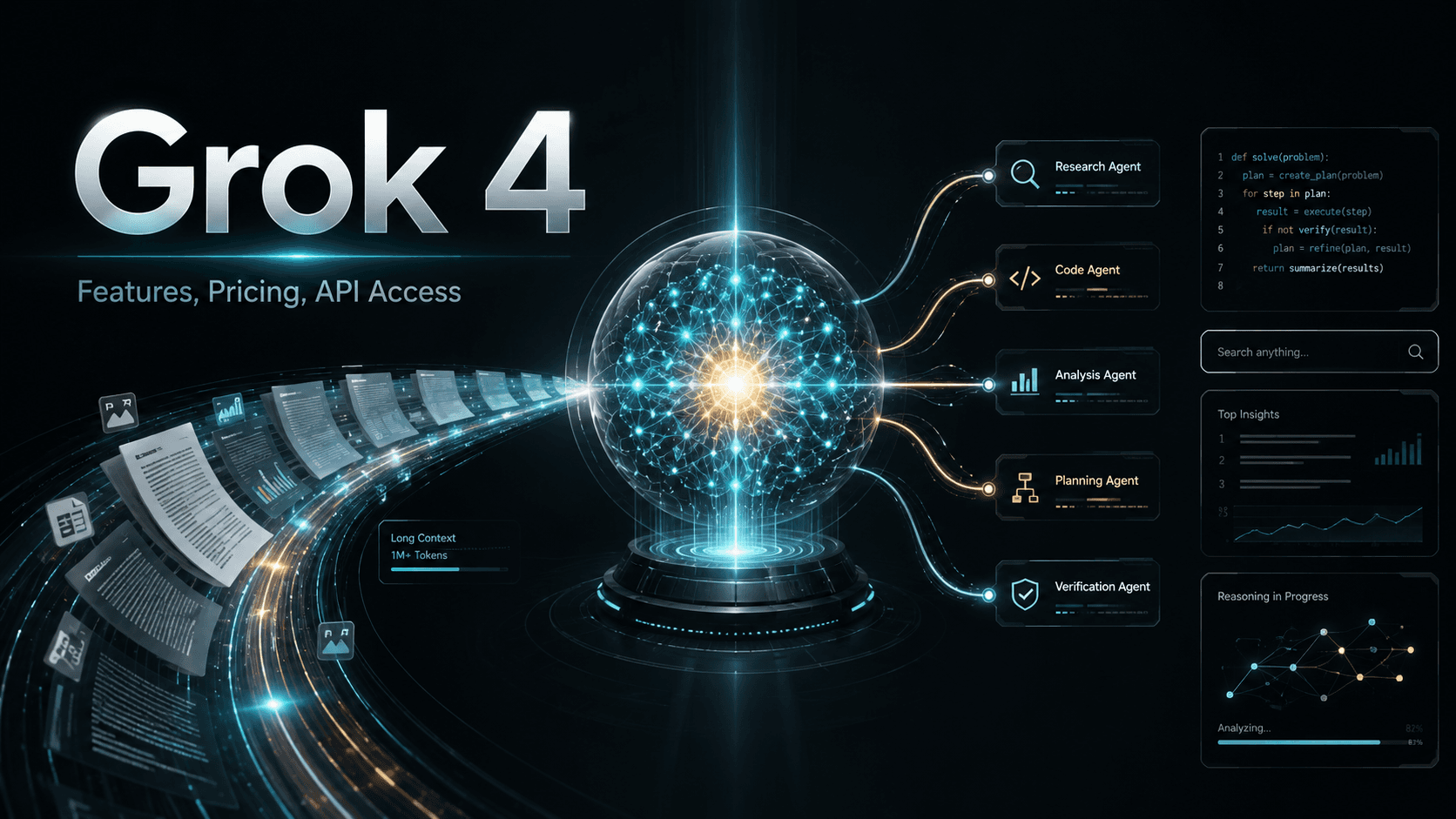
Grok 4: Features, Pricing, API Access, and Best Use Cases
Grok 4 entered the AI race with bold claims, high benchmark scores, and strong attention from developers, researchers, and AI power users. Built by xAI, Grok 4 is designed for reasoning-heavy tasks, long-context analysis, coding support, real-time search, and multi-agent problem solving.
For anyone comparing Grok 4 with models like GPT-4o, Claude, Gemini, or other advanced AI models, the real question is simple: what does Grok 4 do well, how much does it cost, and when should you use it?
Grok 4 is not just a chatbot. It is a reasoning-focused AI model with different modes for different levels of task complexity. It can handle everyday questions, analyze long documents, search the web in real time, assist with code, and run multi-agent tasks through Heavy Mode.
What Is Grok 4?

Grok 4 is a large language model created by xAI, the AI company founded by Elon Musk. It is the fourth major version in the Grok model family and was released in July 2025.
The model focuses heavily on reasoning. That means it is built to handle complex, multi-step tasks rather than only producing quick answers. It can process long inputs, reason through technical problems, search for current information, and support coding tasks.
Grok 4 is available through:
- grok.com
- X, formerly Twitter
- xAI API
- developer integrations
It is useful for AI enthusiasts, developers, researchers, analysts, and teams that need help with reasoning, coding, research, and document-heavy work.
Key Grok 4 Features
Grok 4 includes several features that make it different from basic AI chat tools.
1. Advanced Reasoning
Grok 4 can work through complex problems step by step. This makes it useful for math, logic, technical debugging, research analysis, and multi-step decision tasks.
2. Think Mode
Think Mode gives Grok 4 more room to reason before answering. It is useful when speed is less important than accuracy, depth, or careful analysis.
3. Heavy Mode
Heavy Mode uses a multi-agent setup. Instead of one model instance answering alone, multiple Grok agents work on the task in parallel before producing a final response.
This is useful for complex research, large coding tasks, multi-document analysis, and high-value problems where a deeper answer is worth the extra cost.
4. 256k Context Window
Grok 4 can handle up to 256,000 tokens of context. This allows users to process long documents, large codebases, research materials, or long conversations without cutting everything into small parts.
5. DeepSearch
DeepSearch lets Grok 4 search the web for current information. This is useful for recent news, pricing, technical updates, product research, and fact-checking.
6. Voice and Vision
Grok 4 supports voice and visual input. Users can speak to it or use visual information for analysis, troubleshooting, or multimodal tasks.
7. Grok 4 Code
Grok 4 Code is built for software development tasks. It can help write code, debug issues, explain errors, review code, and analyze larger projects.
Grok 4 Benchmark Performance
One reason Grok 4 attracted significant attention after launch was its performance across several reasoning and knowledge benchmarks. While benchmark scores do not always reflect real-world performance, they provide a useful reference point when comparing large language models.
| Benchmark | What It Measures | Grok 4 Performance |
|---|---|---|
| Humanity's Last Exam | Expert-level reasoning across disciplines | Strong performance among frontier models |
| GPQA | Graduate-level science reasoning | Competitive with leading AI systems |
| AIME | Advanced mathematics reasoning | High score on complex mathematical tasks |
| SWE-Bench | Software engineering and bug fixing | Strong coding and debugging capabilities |
Benchmark performance should not be the only factor when selecting an AI model. Developers should also evaluate latency, cost, instruction following, tool use, context length, and output quality on real workloads.
The most reliable way to evaluate Grok 4 is to test it against actual business, research, or development tasks rather than relying exclusively on benchmark results.
Grok 4 Modes Explained
Grok 4 works through different modes. Choosing the right mode matters because it affects speed, depth, and cost.
Standard Mode
Standard Mode is the default mode. It is fast and useful for everyday tasks.
Use Standard Mode for:
- Quick answers
- Simple summaries
- Light research
- Drafting content
- Brainstorming
- Basic coding questions
Standard Mode is the best place to start because it gives fast responses without using extra compute.
Think Mode
Think Mode is better for tasks that require deeper reasoning.
Use Think Mode for:
- Technical debugging
- Logic problems
- Detailed analysis
- Math problems
- Complex writing structure
- Decision-making tasks
Think Mode takes longer than Standard Mode, but it gives Grok 4 more room to work through a problem carefully.
Heavy Mode
Heavy Mode is Grok 4’s most advanced and expensive mode. It uses multiple AI agents to work on the same task.
Use Heavy Mode for:
- Large research projects
- Complex codebases
- Multi-step business analysis
- High-stakes technical decisions
- Multi-document comparison
- Deep problem solving
Heavy Mode is not necessary for simple prompts. It is best reserved for tasks where depth matters more than speed or cost.
A simple usage rule:
Start with Standard Mode.
Move to Think Mode when the task needs deeper reasoning.
Use Heavy Mode only for complex, high-value work.
Is Grok 4 Free?
Grok 4 has a free tier, but the strongest features require paid access.
The free version gives users a way to test Grok before subscribing. It usually includes limited access to basic Grok capabilities, but advanced features like full Think Mode, Heavy Mode, higher usage limits, and deeper search access may require a subscription.
Grok 4 Pricing Tiers
Pricing can change, but the original article highlights these common access levels:
| Plan | Best For |
|---|---|
| Free Access | Testing basic Grok capabilities |
| X Premium+ | Users already paying for X and wanting enhanced Grok access |
| SuperGrok | Regular users who need stronger Grok access |
| SuperGrok Heavy | Professionals and teams that need Heavy Mode |
SuperGrok Heavy is the premium tier because it unlocks the multi-agent Heavy Mode. It is best suited for users who regularly handle complex research, heavy coding tasks, or high-value analysis.
For most users, the free tier or standard SuperGrok plan is enough to test whether Grok 4 fits their workflow.
How to Access Grok 4
You can access Grok 4 in three main ways.
1. Through grok.com
Go to grok.com, create an account, and start testing Grok from the browser. This is the easiest option for most users.
2. Through X
Grok is integrated into X for eligible users. If you already use X Premium or Premium+, you may have access through the Grok icon inside the platform.
3. Through the xAI API
Developers can use the xAI API to build applications with Grok 4. The xAI API is designed to be OpenAI-compatible, which means developers familiar with OpenAI-style requests can adapt more easily by changing the base URL, API key, and model ID.
This matters for developers who want to test Grok 4 beside models like GPT, Claude, Gemini, or Llama.
Platforms like Tokenware can also help teams compare and access different models through a more unified model layer. This is useful when developers want to test multiple models without managing separate provider accounts, keys, billing setups, and integration patterns.
What Is Grok 4 Best Used For?
Grok 4 is strongest when the task needs reasoning, long context, or current information.
Long Document Analysis
The 256k context window makes Grok 4 useful for analyzing reports, legal documents, research papers, long briefs, product specs, and large internal files.
Technical Research
DeepSearch helps Grok 4 pull in current information from the web. This makes it useful for topics that change quickly, such as AI model releases, software updates, pricing, regulations, and market news.
Coding and Debugging
Grok 4 Code can help developers write code, fix errors, explain unfamiliar code, refactor functions, and analyze larger projects. It is especially useful when the task needs reasoning across several files or requirements.
Complex Reasoning
Think Mode and Heavy Mode make Grok 4 useful for tasks that require careful analysis, structured thinking, and multi-step decision-making.
Multi-Agent Work
Heavy Mode is useful when one answer is not enough. It can help when a task benefits from multiple reasoning paths or parallel analysis.
Grok 4 for Developers

Developers can use Grok 4 for coding, AI agents, document analysis, workflow automation, and research tools.
Common developer use cases include:
- Writing backend functions
- Debugging errors
- Explaining code
- Refactoring messy code
- Building prototypes
- Reviewing architecture
- Generating tests
- Summarizing technical documentation
- Searching current technical references
- Building AI-powered apps through the API
For API-based development, developers should check:
- Model IDs
- Pricing
- rate limits
- context window
- latency
- request format
- streaming support
- error handling
- data policy
- fallback options
A model may perform well in a chat interface but still needs proper testing before production use.
Grok 4 API Example
Developers can access Grok 4 through the xAI API using an OpenAI-compatible request structure. This reduces migration effort for teams already working with OpenAI-based applications.
Example Python Request
from openai import OpenAI

client = OpenAI(
    api_key="YOUR_XAI_API_KEY",
    base_url="https://api.x.ai/v1"
)

response = client.chat.completions.create(
    model="grok-4",
    messages=[
        {
            "role": "user",
            "content": "Explain how database indexing improves query performance."
        }
    ]
)

print(response.choices[0].message.content)
Example Coding Prompt
Review this Python function and identify:

1. Performance bottlenecks
2. Security concerns
3. Readability issues
4. Suggested improvements

Return the results in a table.
This type of structured prompt often produces better results than generic requests because it clearly defines the evaluation criteria and output format.
Example coding prompt: Review this Python function and identify:
- Performance bottlenecks
- Security concerns
- Readability issues
- Suggested improvements
Return the results in a table.
This type of structured prompt often produces better results than generic requests because it clearly defines the evaluation criteria and output format.
Grok 4 vs Other AI Models
Grok 4 competes with models like GPT-4o, Claude, Gemini, and other leading LLMs. It is not automatically better than every model in every use case.
Grok 4 vs GPT-4o
Grok 4 is strong in reasoning and long-context tasks. GPT-4o remains strong for multimodal use, coding, general chat, and broad developer adoption.
Grok 4 vs Claude
Claude is often preferred for long-form writing, careful instruction-following, and polished responses. Grok 4 may be stronger for some reasoning-heavy tasks, especially with Think Mode or Heavy Mode.
Grok 4 vs Gemini
Gemini is strong for multimodal workflows and Google ecosystem integration. Grok 4 stands out with DeepSearch, reasoning modes, and its 256k context window.
The best model depends on the task. Developers should test each model with real prompts, real files, and real product requirements before choosing.
How to Get Better Results From Grok 4
Grok 4 performs better when prompts are clear, specific, and structured.
Use the Right Mode
Do not use Heavy Mode for every task. Start with Standard Mode, move to Think Mode when needed, and reserve Heavy Mode for difficult work.
Give Clear Instructions
Tell Grok what you want, what format you need, and what constraints it should follow.
Example:
“Analyze this codebase and identify performance issues. Focus on database queries, API response time, and repeated logic. Return the answer in a table.”
Use DeepSearch With Specific Questions
Instead of saying: “Search this topic.” Say: “Search for recent API pricing updates from official sources published after July 2025.”
Use the Full Context Window
If the task requires a long document, provide the full document when possible. Grok 4’s large context window is designed for that.
Ask for Critical Review
If you want honest feedback, say so clearly. Example: “Give me a critical review. Do not agree with my approach unless the logic is sound.”
How to Evaluate Grok 4 with Tokenware
Grok 4 is one strong model, but most teams do not build serious AI products around one model alone. A product may need Grok 4 for reasoning, Claude for writing, GPT-4o for multimodal work, Gemini for Google-connected tasks, and smaller models for cheaper high-volume requests.
This is where unified model access becomes important.
Tokenware helps developers think beyond single-model usage by giving teams a way to explore models, compare options, and plan model access across different tasks. For developers testing Grok 4 against other models, Tokenware can support a more flexible model selection process.
Instead of deciding based on hype, teams can compare models by:
- Cost
- Speed
- context window
- reasoning quality
- coding performance
- API compatibility
- output format
- production readiness
This approach helps teams choose the right model for each task instead of forcing one model to do everything.
Conclusion
Grok 4 is a strong reasoning-focused AI model from xAI. Its biggest strengths are Think Mode, Heavy Mode, DeepSearch, coding support, and a large 256k context window.
It is useful for developers, researchers, analysts, and professionals who work with long documents, complex problems, current information, or code-heavy tasks.
The free tier is useful for testing, while paid plans unlock stronger access and higher usage. Heavy Mode is powerful, but it is best reserved for complex tasks where the extra cost makes sense.
For developers, the smartest approach is to test Grok 4 against real workloads. Compare it with models like GPT-4o, Claude, Gemini, and others. A unified AI model platform like Tokenware can make this comparison easier when your team needs to work across multiple models without building separate integrations for each provider.
FAQs
1. Is Grok 4 good for API-based development?
Yes. Grok 4 can be accessed through the xAI API, which is useful for developers building apps, agents, research tools, and coding assistants. Developers should check pricing, rate limits, model IDs, and OpenAI-compatible request support before integration.
2. Is Grok 4 free to use?
Grok 4 has limited free access, but advanced features may require a paid plan. Think Mode, Heavy Mode, higher limits, and deeper access usually sit behind paid subscriptions.
3. What is Grok 4 Heavy Mode best for?
Heavy Mode is best for complex tasks that need deeper reasoning or parallel analysis. Use it for large research tasks, multi-document analysis, complex coding projects, and high-value decisions.
4. How expensive is Grok 4 compared to other models?
Grok 4 cost depends on the access method and plan. Free access is limited, SuperGrok offers stronger regular access, and SuperGrok Heavy is much more expensive because it unlocks multi-agent processing.
5. Can Grok 4 handle long documents?
Yes. Grok 4 supports a 256k context window, which makes it useful for long reports, large files, technical documents, research materials, and extended conversations.
6. Is Grok 4 better than GPT-4o or Claude?
Not in every situation. Grok 4 is strong for reasoning, DeepSearch, and long-context tasks, while GPT-4o and Claude may perform better in other areas. Test the models with your own use case before choosing.
7. Can I use Grok 4 for coding?
Yes. Grok 4 can help with code generation, debugging, refactoring, error explanation, and codebase analysis. For large projects, its long context window can be useful.
8. What should I check before using Grok 4 in production?
Check latency, pricing, rate limits, API stability, data handling, error responses, context limits, streaming support, and fallback options. You should also compare Grok 4 against other models on real production-style prompts.
9. How can I reduce Grok 4 costs?
Use Standard Mode for simple tasks, avoid Heavy Mode unless necessary, shorten prompts, reduce repeated context, cache repeated outputs, and route simpler work to cheaper models when possible.
10. Does Grok 4 support real-time search?
Yes. Grok 4 includes DeepSearch, which allows it to search the web for current information. This is useful for pricing, news, recent technical updates, and current research.